



 Comments: (0)
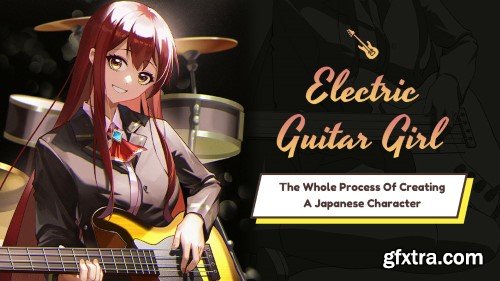
This course helps you to understand the process of Japanese-style illustration and helps you draw a work quickly.
You will learn the creative ideas and processes of character illustrations.
You will learn the practice of the method of character drawing.

Wingfox – The Medieval Maiden with Wingfox Studio
http://www.wingfox.com/c/8395
This tutorial covers a full workflow of drawing a vintage-style character using Procreate, which breaks down into the procedure and key points of drawing a character of this style. The lecturer also shares her personal experience in coloring and will explain some of the key points in color combination. From the four major aspects of conception, sketching, coloring, and refining, to the lighting, shading, and high level or composition, everything will be covered and explained in detail.
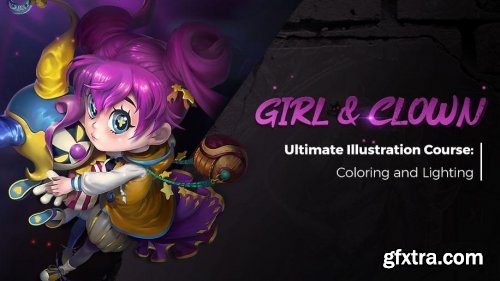
http://www.wingfox.com/c/8297
In this tutorial, you will learn to create poster-like illustration, all the way from a sketch to final details. After this tutorial, you will be able to acquire new and practical techniques for the making of posters, game cards, champion skins, sketch, etc.
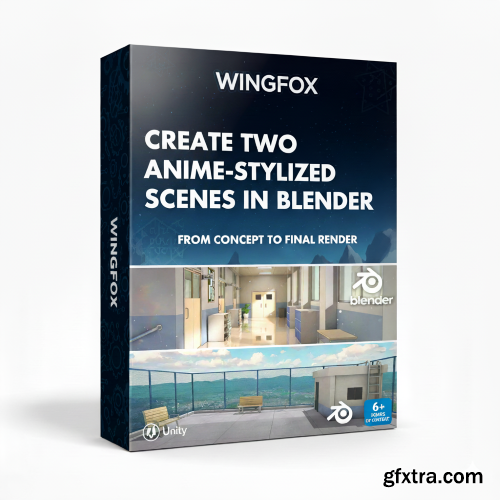
Wingfox - Create Two Anime-Stylized Scenes in Blender
https://www.wingfox.com/c/9527
-
Ever dreamed of bringing vibrant anime worlds to life in 3D? Now you can! This comprehensive Wingfox course, "Create Two Anime-Stylized Scenes in Blender," is your ultimate guide to crafting stunning, believable anime-style environments, from concept to final render. Dive deep into the techniques used by professionals to achieve that distinctive, captivating anime aesthetic, all within the powerful Blender 4.3.0.

- This course centers around the question of “how to create your own CG short film”. The lecturer will share and analyze the whole process of the making of CG shots from a creator’s perspective. The course uses 3 typical shots featured in the film as examples. The whole making process will be broken down in details. You will learn animation, rendering, composition and refinement of 3D scenes. The course will focus on bringing you new ideas and means of achieving them, in order to help you create your own CG film more smoothly and conveniently, meanwhile ensure good quality. No complicated and useless steps will be taught, only the gist!
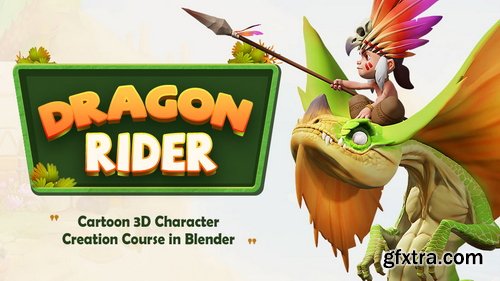
- Content: HD videos + Project files | Duration: 9 hours 15 Minutes | Software: Blender 3.2 and above | System: No special requirements | Project file: There is a pureref file with the references and the concept i am using.
- In this course, for intermediate Blender users, we will do this characters, concept by the great artist Tooth Wu, completely and only in Blender. We will talk about lots of things that can affect the mind of a 3D character artist while sculpting, modelling, coloring and rendering.

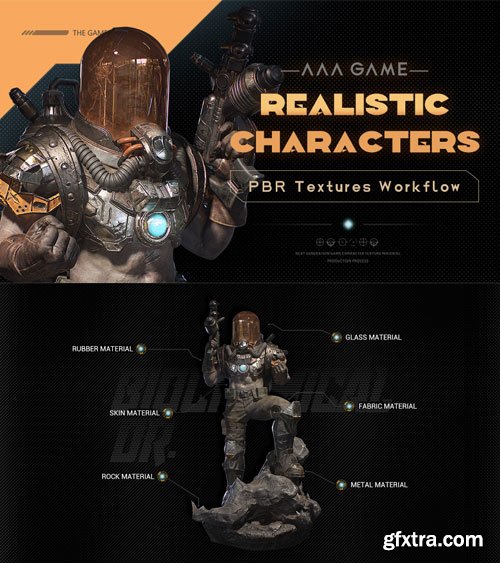
- Software: 3ds max 2020 ; Zbrush2020 ; Substance Painter 2019 ; Rizomuv ; Marvelous Designer9 ; Marmoset Toolbag3
- Project file: low poly mesh files with rigged poses, texture files, real-time eye data, ZBrush brushes, Marmoset Scene files Need to buy by yourself: TexturingXYZ Alpha file, Texturing Image (texture image).
- This tutorial covers the work procedures of creating high quality game characters. Taeseung Kim will teach how to use ZBrush to conduct basic setting, modify body proportion and muscle sculpting; then use ZBrush and 3Ds Max to make high poly model and low poly model. After creating models, the lecturer will use the Alpha materials and skin pictures in Texturing XYZ to produce high quality surface skins and explain how to put makeup on characters and makes them more attractive. In 3Ds Max, the lecturer will make hair, rig and pose the characters. You can also learn the methods of rapid unfolding UV using RizomUV, and the methods of using Substance Painter to produce realistic textures. Last, the lecturer will conduct basic setting and lighting setting and make realistic rendering effects in Marmoset Toolbag 3, and optimize and synthesize in Photoshop.
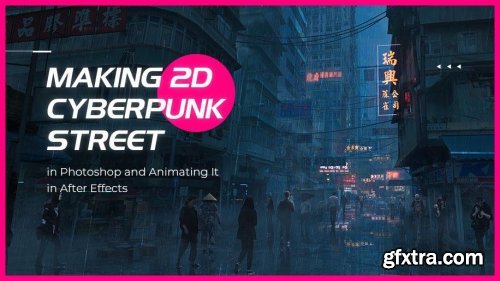
Wingfox - Making 2D Cyberpunk Street in Photoshop and Animating It in After Effects
http://www.wingfox.com/c/8357
In this course, Rutger will show you how to create a cyberpunk street scene and finally transform it into a camera movement animation. This course is suitable for beginner concept artists who have difficulty in composition and color use. Through this course, you will learn how to merge inspiration and reference to organize the street composition and learn how to adjust the color and light in Photoshop to create a cyberpunk style and atmosphere. And at the last of the course,you will learn how to use After Effects to make a camera movement animation through the parallax effect to make the cyberpunk street looks more live.
126,000 Royalty-Free 3D Model
Udemy Türkçe


Top Rated News
- CreativeLive Tutorial Collections
- Fasttracktutorials Course
- Chaos Cosmos Library
- MRMockup - Mockup Bundle
- Finding North Photography
- Sean Archer
- John Gress Photography
- Motion Science
- AwTeaches
- Learn Squared
- PhotoWhoa
- Houdini-Course
- Photigy
- August Dering Photography
- StudioGuti
- Creatoom
- Creature Art Teacher
- Creator Foundry
- Patreon Collections
- Udemy - Turkce
- BigFilms
- Jerry Ghionis
- ACIDBITE
- BigMediumSmall
- Globe Plants
- Unleashed Education
- The School of Photography
- Visual Education
- LeartesStudios - Cosmos
- Fxphd
- All Veer Fancy Collection!
- All OJO Images
- All ZZVe Vectors
- CGTrader 1 CGTrader 2



















