

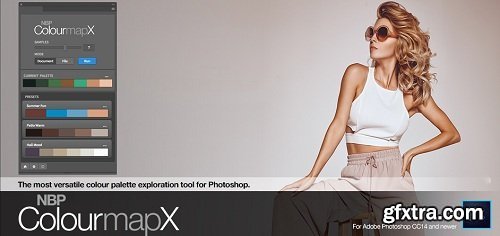
The Most Versatile Colour Palette Exploration Tool For Photoshop
One of the hallmarks of Nino Batista's color work approach in Adobe Photoshop stems from his use of Gradient Maps and Blending Modes. After appropriate skin work and other clean up processes, Nino explores the colour of his images by starting with a "gradient map wash" of color, setting the basis for the palette he is trying to create or enhance in each shot or set.

 Comments: (0)
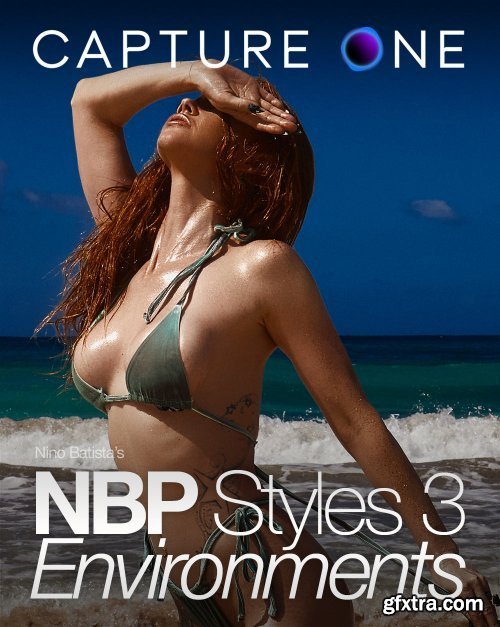
NBP Styles 3: Environments for Capture One Pro
https://www.nbpretouchtools.com/products/nbp-styles-3-environments-for-capture-one-pro
NBP Styles 3: Environments for Capture One Pro. With just a click, transform your portraits into an entire vibe with "Environments" from NBP for Capture One. Using Nino Batista's favorite approaches to raw prep, these Styles give you instant options for setting up the foundation of your images – or taking them to near completion – right in raw. Leverage the color science of Capture One Pro in every element of your shots.
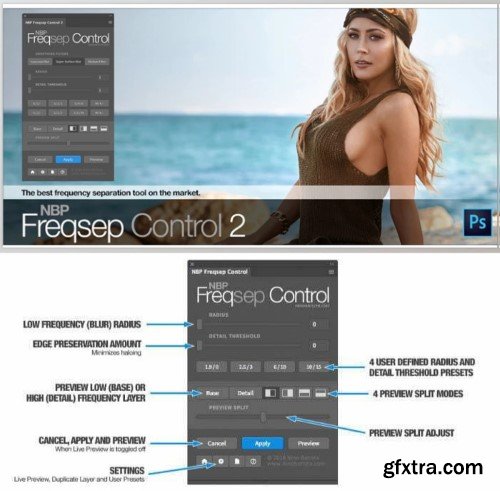
If you're familiar with the process of utilizing frequency separation in your retouching workflow, then you're probably aware – and frustrated by – the lack of total control and somewhat average results you get while using it. While the method remains a skin retouching staple, the core approach to setting it up in Photoshop has been more or less the same for a while now, and accepted as such.
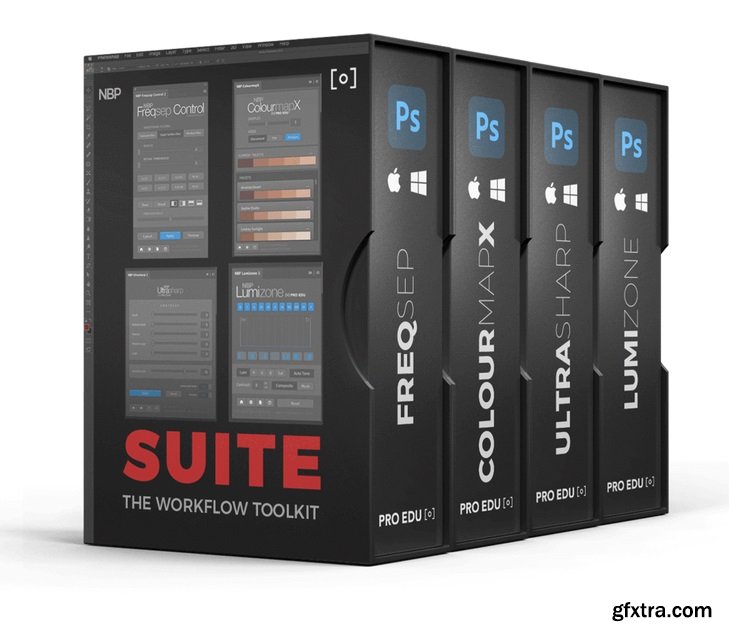
NBP – PRO EDU – Workflow Suite
https://proedu.com/products/plugin-bundle-suite
A good image can become an incredible image with the right tools and eye in post-production. Our plugins were designed with a team of artists and mathematicians to create advanced and proprietary algorithms to match what creatives need in post-production, speed, and quality.
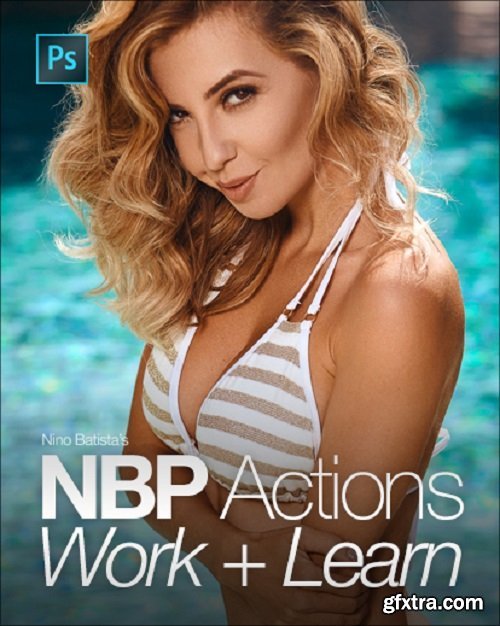
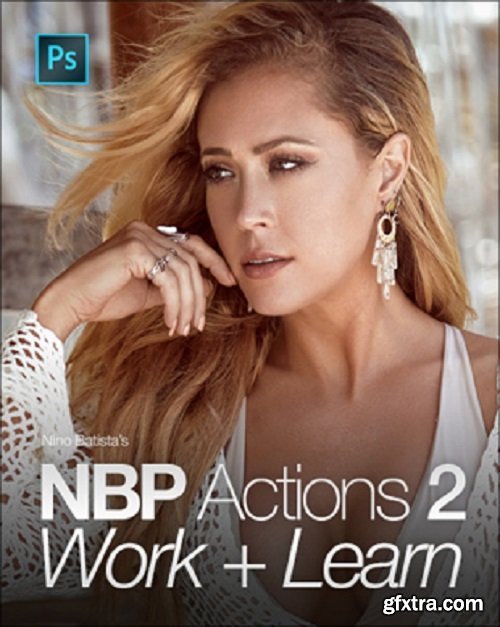
NBP Workflow Actions 1 & 2
ATN https://ninobatista.zenfolio.com/actions The most useful portrait workflow-focused Actions for Photoshop on the market.
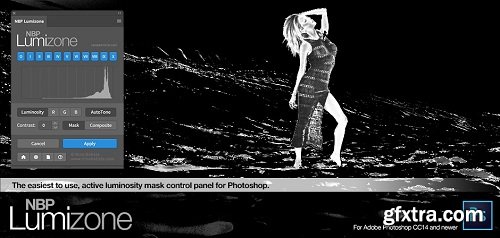
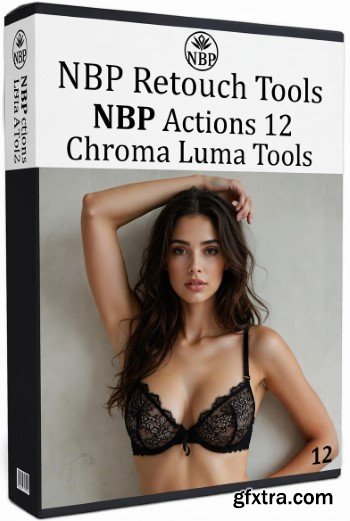
- NBP Actions 12: Chroma Luma Tools is a precision-built Photoshop action set designed for photographers, retouchers, and digital artists who demand complete control over color and luminance. This powerful toolkit refines the way you shape tonal depth, color separation, and image balance, enabling subtle corrections or bold stylistic transformations with professional accuracy. Whether you are enhancing portraits, landscapes, product shots, or editorial imagery, Chroma Luma Tools gives you an intuitive workflow to push your creative boundaries without compromising image quality.
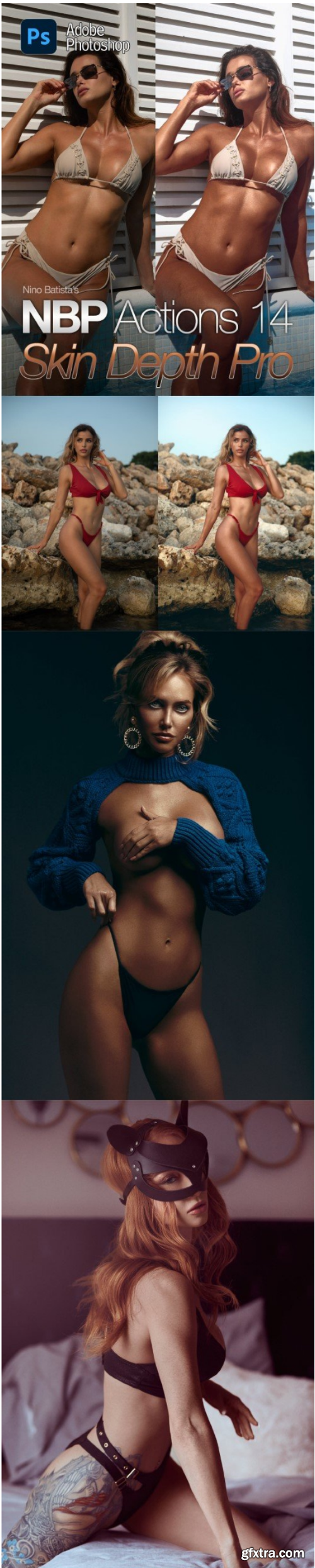
Nino Batista - NBP Actions 14: Skin Depth Pro for Photoshop
126,000 Royalty-Free 3D Model
Udemy Türkçe


Top Rated News
- CreativeLive Tutorial Collections
- Fasttracktutorials Course
- Chaos Cosmos Library
- MRMockup - Mockup Bundle
- Finding North Photography
- Sean Archer
- John Gress Photography
- Motion Science
- AwTeaches
- Learn Squared
- PhotoWhoa
- Houdini-Course
- Photigy
- August Dering Photography
- StudioGuti
- Creatoom
- Creature Art Teacher
- Creator Foundry
- Patreon Collections
- Udemy - Turkce
- BigFilms
- Jerry Ghionis
- ACIDBITE
- BigMediumSmall
- Globe Plants
- Unleashed Education
- The School of Photography
- Visual Education
- LeartesStudios - Cosmos
- Fxphd
- All Veer Fancy Collection!
- All OJO Images
- All ZZVe Vectors
- CGTrader 1 CGTrader 2



















