

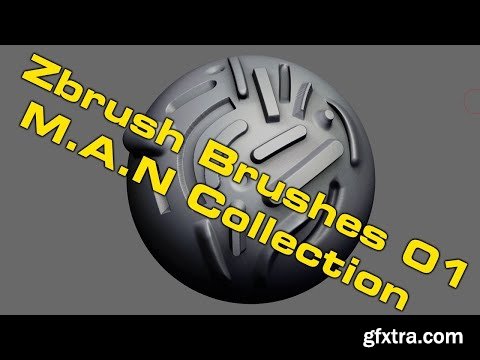
Gumroad - ZBrush Hard-Surface Brushes for Concept Design
https://mikeandrewnash.gumroad.com/l/pSfIc
I've put together a brush pack, the video goes through what they are and how one might use them.
They look pretty basic but if you learn how to use them they are reallyuseful!
Enjoy!

 Comments: (0)
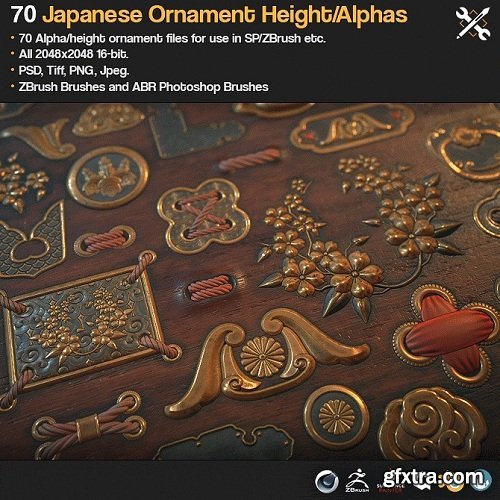

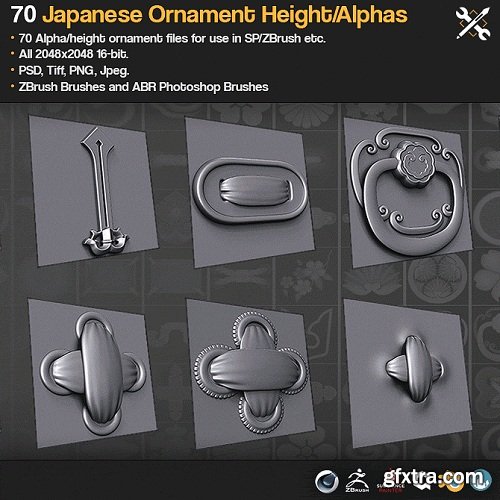
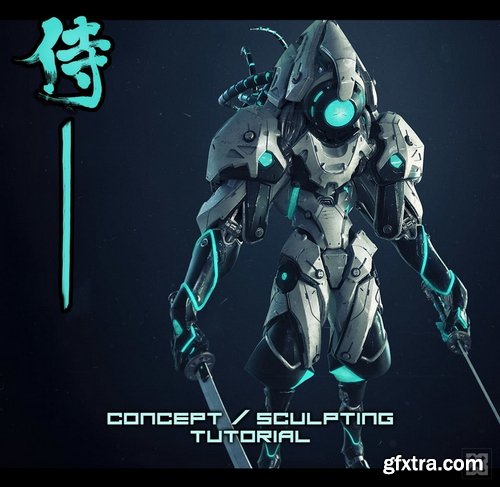
This is a set of 70 Japanese Ornament alpha/brushs for ZBrush, Substance Painter, Quixel DDO, Mixer, NDO etc.
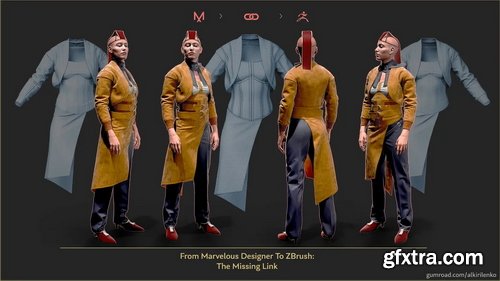
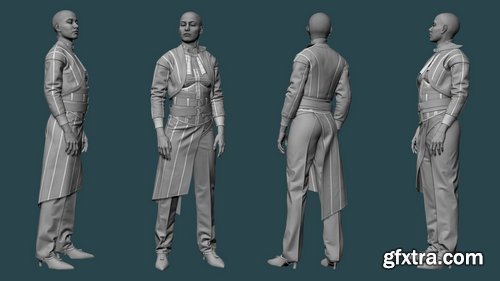
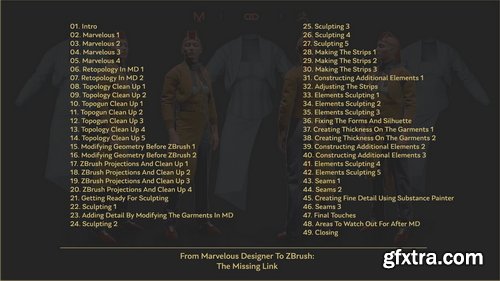
Gumroad - Aleksandr Kirilenko - From Marvelous Designer To ZBrush: The Missing Link
https://alkirilenko.gumroad.com/l/IBwQP
In this tutorial, you’ll master the entire process of creating a high-quality set of digital clothing from start to finish. We’ll start in Marvelous Designer (v9), then focus on the crucial stage that often gets overlooked: creating a clean, retopologized mesh that bridges Marvelous Designer and ZBrush. This step is essential for achieving precision and flexibility in your final sculpt.

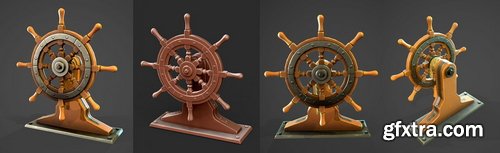
Gumroad - 3dex - Stylized Ship Wheel - Maya, Zbrush, Substance Painter Videos
https://3dex.gumroad.com/l/shipWheel
Full videos on how to create a stylized Wheel, Retopo, Uvs done with Maya 2020, Sculpting done in Zbrush 2021, Texturing done with Substance Painter
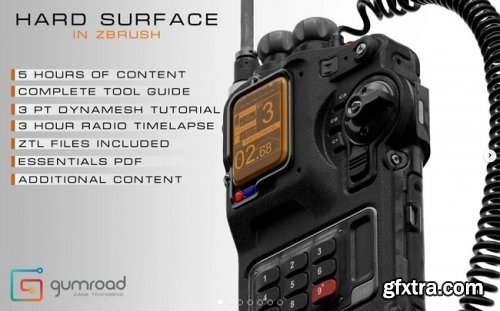
Gumroad – Hard Surface in ZBrush
Have you ever found that the tools you use limit your ability to concept in 3D?
- Well in this 3 part tutorial, Ill walk you through a new more fluid toolset and show you the process I use to achieve hard surface results in ZBrushes Dynamesh feature.
- In part 1, I will give you a complete walk through of all the tools I use, the logic behind them, as well as show you examples of how id use them in my process.
- In part 2, I will break down my previous BB-L Radio design piece by piece, and show you in real time exactly how I went about constructing the model in Dynamesh.
- And in part 3, you can watch it all come together in a 3 hour time lapse where I make the BB- S Radio from start to finish. interspersed with talks about the software, my design process, and keeping your mesh clean for renders.
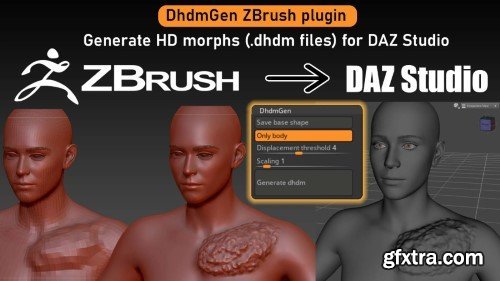
This ZBrush plugin allows you to generate DAZ HD morphs from sculpted ZBrush figures.
The basic workflow is:
-
Import base figure in ZBrush from DAZ.
-
Sculpt base morph if necessary (.dsf file).
-
Add subdivisions in ZBrush and sculpt HD details.
-
Generate .dhdm file.
-
In the .dsf file add a reference to the .dhdm file.
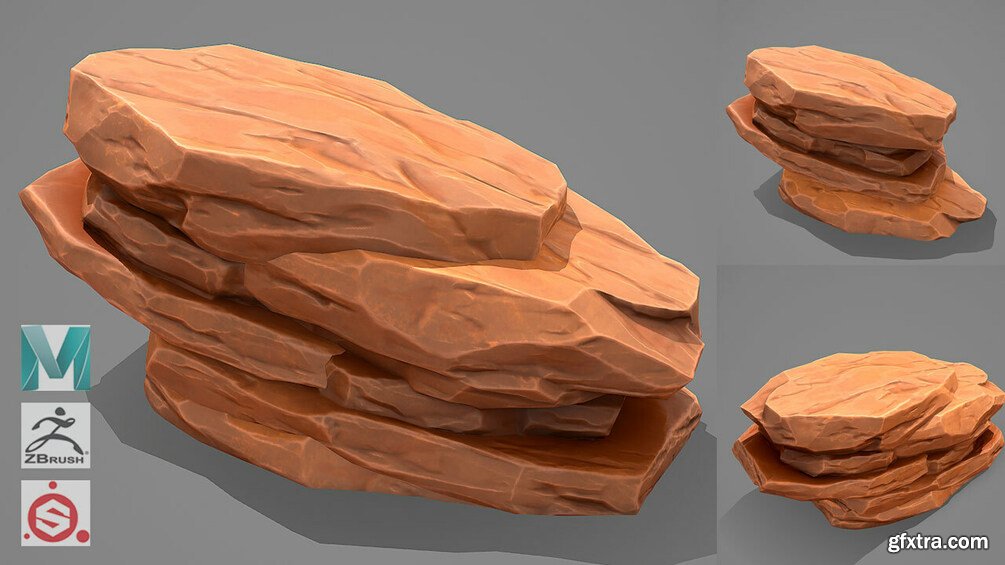
Gumroad - Stylized Rock - Maya, Zbrush, Substance Painter Video
https://gumroad.com/l/RockStylized
You get:
Full video on how to create a stylized fire pit model
_UVs and model cleanup done in Maya 2020
_Modeling, Sculpting and extra details added in Zbrush 2020
_Texturing done with Substance Painter
_Videos total 1 hour

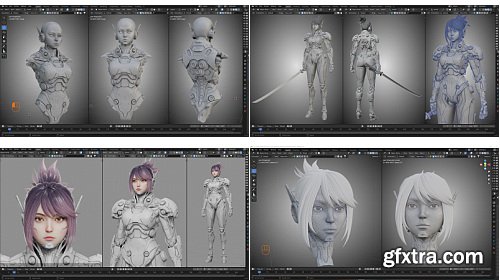

Gumroad - Flycat - Robot Girl
https://flycatfly.gumroad.com/l/znmjd
Robot Girl Modeling full process videos & source files - Blender 4.0
Apps: Blender 4.0 - Photoshop - Substance Painter, 47 HD videos (1920*1080), Sources file: project files (*blend), references (pureref), texture maps Videos status: Non-commentary - Screen cast keys & mouse.
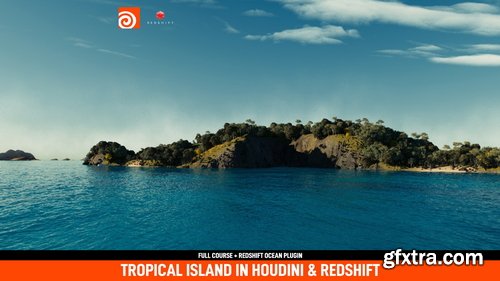
Gumroad - CGimagine - Tropical Islands in Houdini and Redshift
https://cgimagine.gumroad.com/l/NTIpN
- Islands are really complex environments. I am really excited to announce the new course from CGimagine: Tropical Island using Houdini and rendered in Redshift. Learn from scratch how to create an amazing photorealistic environment. You will learn many tools that will help you create the most diverse high end environments.
- This course requires that you have some basic understanding of Houdini and Redshift. Join me now in this journey to this tropical Island. It is 5 hours of 4k recorded classes. My name is Diogo Guerreiro, senior VFX supervisor at CGimagine, and I will be your instructor in this very special course!
- After this course you will feel confident and will have a deep understanding of the creation of terrains, creation of beaches, rice fields, scattering plants and rocks, and rendering in Redshift. We will use a lot of cool tricks and will cover so many different technics hardly found in other courses. Also, you will receive the CGimagine RS Oceans Plugin/HDA to create super realistic oceans in seconds. Specially designed for Redshift. And also as a Bonus you will get a atmospheric system HDA that will help you to add fog into your scenes.
126,000 Royalty-Free 3D Model
Udemy Türkçe


Top Rated News
- CreativeLive Tutorial Collections
- Fasttracktutorials Course
- Chaos Cosmos Library
- MRMockup - Mockup Bundle
- Finding North Photography
- Sean Archer
- John Gress Photography
- Motion Science
- AwTeaches
- Learn Squared
- PhotoWhoa
- Houdini-Course
- Photigy
- August Dering Photography
- StudioGuti
- Creatoom
- Creature Art Teacher
- Creator Foundry
- Patreon Collections
- Udemy - Turkce
- BigFilms
- Jerry Ghionis
- ACIDBITE
- BigMediumSmall
- Globe Plants
- Unleashed Education
- The School of Photography
- Visual Education
- LeartesStudios - Cosmos
- Fxphd
- All Veer Fancy Collection!
- All OJO Images
- All ZZVe Vectors
- CGTrader 1 CGTrader 2



















